Documentation / Daily work
Dashboard overview
What the dashboard shows and how each number is calculated.
What you see
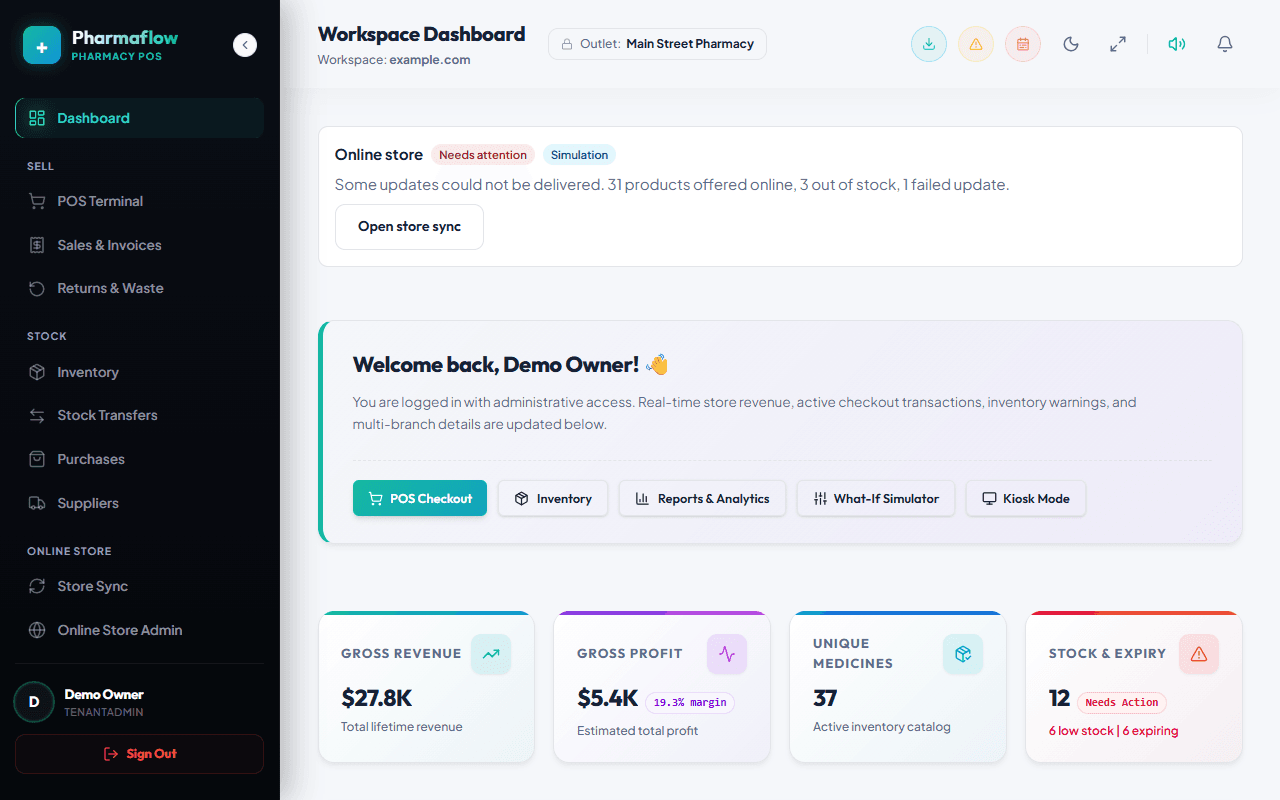
The dashboard is for owners and pharmacists. It answers three questions: how are sales going, what do I need to reorder, and what is about to expire.
Low-stock and expiry alerts
- Low stock: products whose total quantity is at or below their low-stock level (set per product).
- Expiring: batches that expire within the alert window (default 90 days on the dashboard list). Expired batches are never sold by the POS or offered to an online store.
Where the numbers come from
Every figure is calculated from your own sales, purchases and batches when you open the page. There are no sample or estimated values. In the public demo the underlying data is synthetic.