Documentation / Start here
Demo account and known limitations
Try PharmaFlow with synthetic data, and what the demo does and does not do.
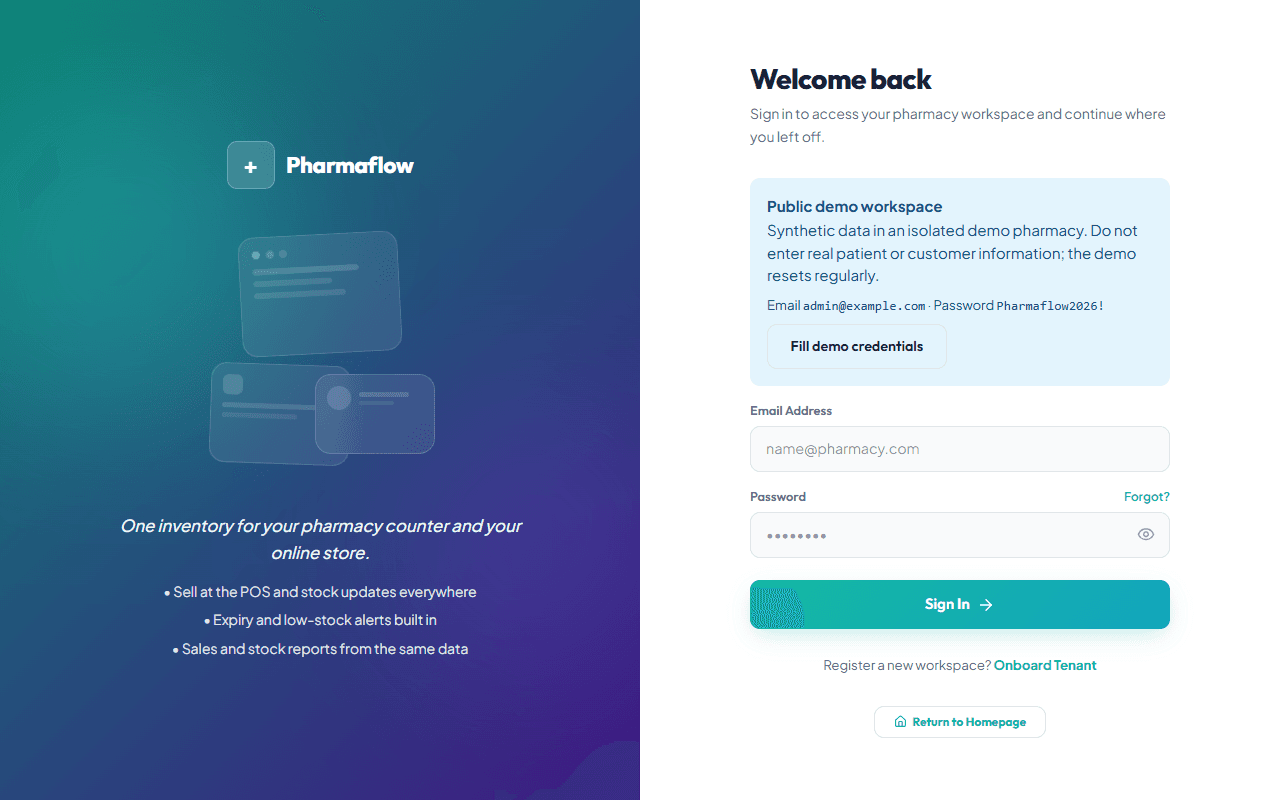
Demo sign-in
The demo is a separate workspace filled with synthetic data. These credentials are public on purpose and only open that workspace:
| Role | Password | |
|---|---|---|
| Owner (full access to the demo) | admin@example.com | Pharmaflow2026! |
| Pharmacist | pharmacist@example.com | |
| Cashier | cashier@example.com |
Never enter real informationAnyone can use this account. Do not type real patient, customer or staff details, and never reuse this password anywhere else.
How the demo is isolated
- It is its own pharmacy (tenant). The owner account is an ordinary pharmacy owner, not a platform administrator, and cannot see any other pharmacy.
- The demo should run on a separate database from any real customer data. The seed script refuses to touch anything outside the demo pharmacy.
- Nothing leaves the demo: the store connection is simulated, and billing, test e-mail and WhatsApp actions are switched off.
What to try
- Open the Dashboard and look at the low-stock and expiring lists.
- Open the POS Terminal, open the register, and sell a few items.
- Open Store Sync. Press Send test event and watch it appear in the delivery log marked as simulated.
- Sell something at the POS and check that the delivery log gets a new stock update.
- Sign in as the cashier and notice which pages are missing, then try to open
/dashboard/audit-logsdirectly: it is refused.
Known limitations
- Store connections in the demo are simulations: updates are logged but never sent to a real server.
- No real payments, e-mails or WhatsApp messages are sent. Subscription changes are disabled.
- Data can be changed by other visitors and is reset from time to time, so numbers may differ from the screenshots in these guides.
- The built-in online store does not have customer accounts, loyalty points or saved addresses yet. Guests can browse, check out and track an order with their phone number.
- There are no ready-made Shopify or WooCommerce connectors. Custom stores connect through the API and webhooks.